There's no single correct runtime for a property video, and anyone who quotes you one to the second is overselling it. As a sensible default, aim for around 30 to 60 seconds — long enough to read a layout, short enough to hold attention. From there, the channel decides: a portal listing carries a fuller cut, social wants something tighter, and a flagship home on YouTube can run longer. This guide sets out honest, hedged norms for each.
The short answer
If you want a number to start from, use 30 to 60 seconds. That range fits the way most buyers watch: long enough to walk the layout and linger on the rooms that matter, short enough that they reach the end rather than swiping away halfway. But treat it as a starting point, not a rule. A quick teaser in a Story can be ten seconds; a full tour of a six-bedroom home on YouTube can run several minutes. The right length is the one that suits the channel and the property in front of you — so the rest of this guide breaks it down rather than pretending one figure covers everything.
Why shorter usually wins
On a portal and on social alike, attention is scarce. A buyer scrolling Rightmove or a feed is deciding in a second or two whether to keep watching, and a slow, exhaustive walkthrough that opens the front gate and narrates every cupboard loses them before the good rooms arrive. The job of the video is not to replace the viewing — it's to stop the scroll and make someone want to book one. A tight cut that shows the layout and the best two or three rooms does that far better than a long, complete tour. Leave the buyer wanting to see the rest in person; that's the point of the exercise.
That's also why "longer equals more value" is the wrong instinct. Every extra ten seconds you add is ten more seconds in which a viewer can drop off. Cut anything that doesn't earn its place, lead with strength, and trust the still gallery and the viewing to fill in the detail. Shorter, sharper and finished beats long, slow and exhaustive almost every time.
Length & format by channel
The single biggest factor in how long your video should be is where it's going to play. Each channel rewards a different length and a different shape. Here's the practical breakdown.
Portals (Rightmove / Zoopla)
For a Rightmove, Zoopla or OnTheMarket listing, aim for roughly 30 to 60 seconds in a 16:9 landscape master — branded and layout-led, where a buyer is already in buying mode.
Reels & TikTok
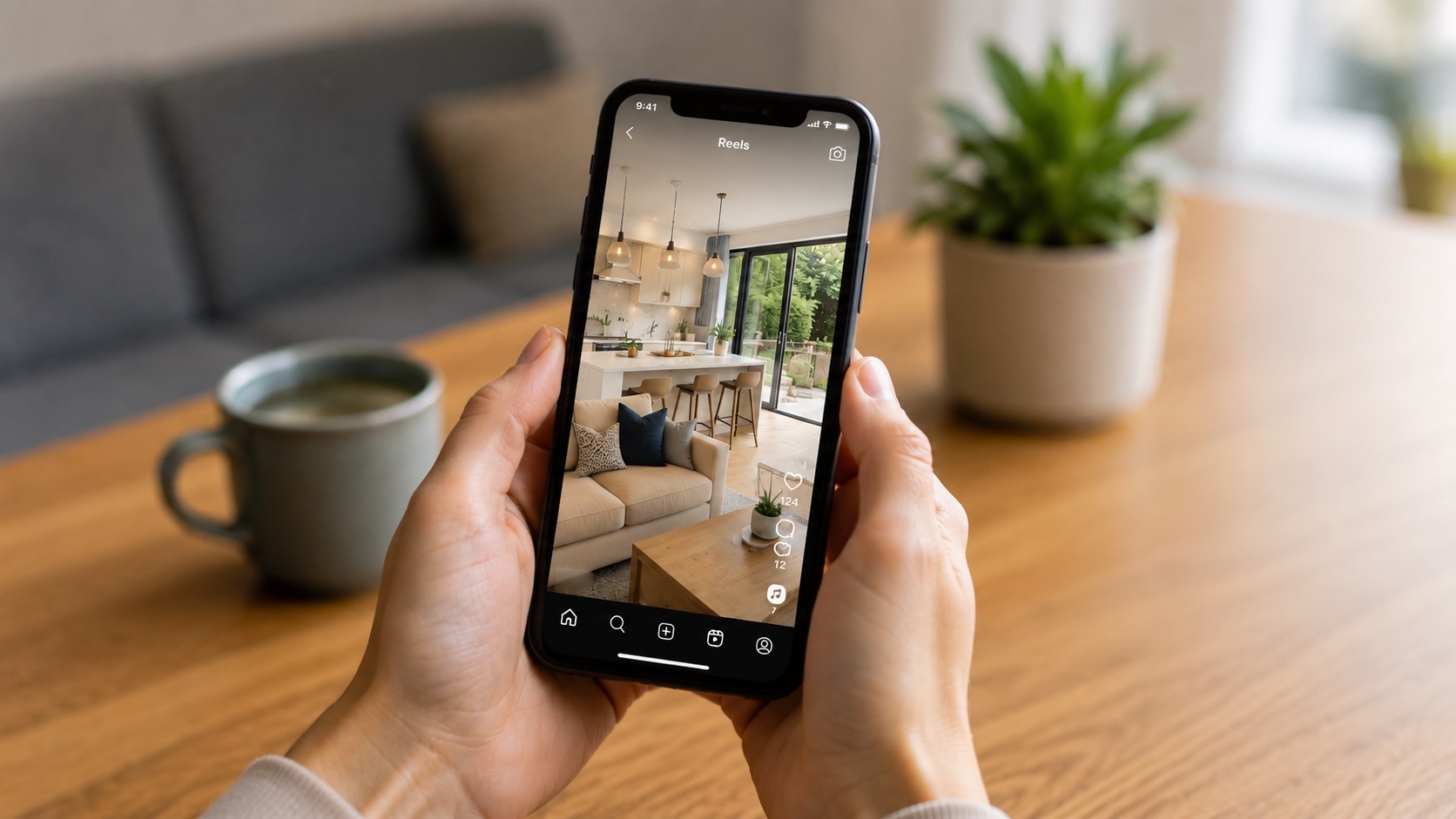
On Reels and TikTok, go shorter and vertical: around 15 to 45 seconds in 9:16, with a hook in the first one to two seconds and faster cuts to hold a restless feed.
Instagram feed
For an Instagram feed post, keep it short and use a 1:1 square or a vertical crop. The feed favours a clean, self-contained clip that reads at a glance as people scroll past.
YouTube
On YouTube there's room to breathe — a fuller one to three minute tour suits a flagship home and helps build a channel, where viewers arrive ready to watch a longer piece end to end.
Stories & teasers
For Stories and quick teasers, think roughly 10 to 15 seconds — one or two of the best shots and a clear prompt that drives viewers to the full listing rather than telling the whole story in the clip.
By property size
A studio or one-bed needs less time than a six-bed with grounds. Let the home set the runtime: everyday stock stays tight, while a larger or flagship property earns a longer cut.
Get every length and format
Send us a listing and we'll return the portal, social and feed cuts from one render — free, so you can post the right length everywhere.
Treat those figures as well-established norms rather than hard limits. They reflect how each channel tends to behave, not a guarantee — test against your own audience and adjust. The shapes, though, are firmer: portals and YouTube want 16:9, Reels, TikTok and Stories want 9:16, and the Instagram feed reads well square. Match the shape to the channel and you avoid the awkward black bars or hard crops that make a listing look like an afterthought.
How property type changes length
Length should flex with the home, not just the channel. A studio, a one-bed flat or a compact terrace has fewer rooms to show, so a shorter cut tells the whole story without padding — stretching it out only invites a viewer to look away. A larger family home, a five- or six-bed with grounds, or a distinctive period property has more to walk through and more to sell, so it can justify a longer cut that lingers on the standout rooms and the outside space.
A genuine flagship home is the one case where a longer, more cinematic piece pays off, especially on YouTube or your own site. For everyday stock — the bulk of most agents' listings — keep it tight. The discipline is the same either way: let the property earn each second rather than filling time because the runtime feels short.
The hook matters more than the length
Whatever the total runtime, the first few seconds carry most of the weight. A buyer decides almost immediately whether to keep watching, so open on the strongest room — the room that would sell the home on a viewing — rather than a long title card or a slow exterior approach. A great fifteen-second cut with a strong opening beats a flabby sixty-second one that takes half a minute to get going. Get the hook right and the exact length matters far less than people assume.
One asset, every length
The catch with all of this is obvious: a single listing might need a 16:9 portal cut, a 9:16 vertical for Reels and TikTok, a square for the feed, and a short teaser for Stories. Re-editing each one by hand, per listing, is exactly the kind of work that stops agents bothering with video at all.
Listingly removes that step. From a single render it exports a 16:9 landscape master today, with a 9:16 vertical and a 1:1 square in development, so you produce the right length and shape for each channel without re-cutting anything. Make it once, then post the portal version to Rightmove, the vertical to social and a longer cut to YouTube — all from the same source. Start with a free video and see the formats for yourself.
What's video worth on your listings?
A clearer listing that wins more instructions and sells faster can be worth far more than it costs. Put your own numbers in and see the return across your stock.
Common questions
How long should a property video be?
As a rule of thumb, most property videos work best at around 30 to 60 seconds, but the right length depends on the channel and the property. A portal listing or your site can carry a fuller 30 to 60 second cut; social feeds want something shorter; a flagship home can justify a longer tour on YouTube. The job is to show the layout and the best rooms well enough to earn a viewing, not to replace one.
What length should a video be for Rightmove?
For a Rightmove, Zoopla or OnTheMarket listing, roughly 30 to 60 seconds in a 16:9 landscape master tends to sit best. That is long enough to walk the layout and the key rooms and short enough that a buyer watches to the end. Open on the strongest room, keep it branded, and lead with the home rather than a long title card.
What length should a Reel or TikTok be?
On Reels and TikTok, shorter usually wins — think roughly 15 to 45 seconds in 9:16 vertical, with a hook in the first one to two seconds and faster cuts than a portal video. Attention is scarce on social, so the goal is to stop the scroll and make someone want to see more, with a clear prompt to the full listing.
Should a video replace the listing photos?
No. A video complements the photos, it does not replace them. Buyers still want the full still gallery to study rooms in detail and revisit at their own pace. The video's job is to give a sense of flow and layout and to stop the scroll, so it sits alongside the photos rather than standing in for them.
Do I have to re-edit for each channel?
Listingly exports a 16:9 landscape master from a single render today, so the portal, your site and YouTube are covered without re-editing. A 9:16 vertical and a 1:1 square are in development, after which one video will serve every channel.
Get a free video
Send us a listing and we'll return every length and format — portal, social and feed.
Get a free video